
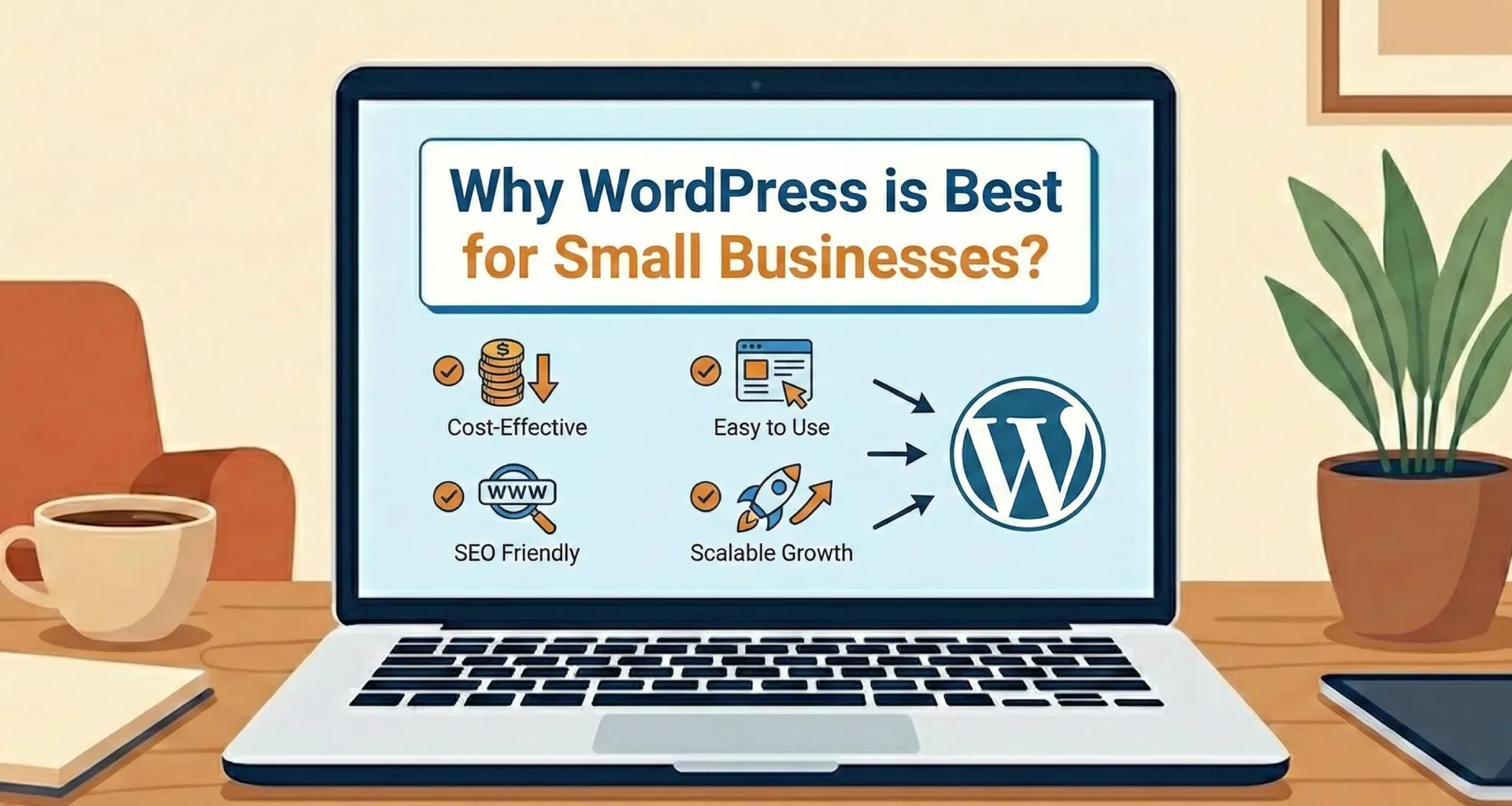
In the digital age, having an online presence is crucial. Your website serves as a virtual storefront, offering potential customers a 24/7 glimpse into your services and products. However, choosing the right platform to build that storefront can be daunting.
While there are numerous options available, WordPress stands out as the preferred choice for over 43% of the entire web.
But is it right for you? This guide delves into exactly why WordPress is best for small businesses, comparing it directly with popular competitors like Wix, Squarespace, and Shopify.
What Makes WordPress Stand Out?
1. Unmatched Flexibility and Customization
One of the main advantages of WordPress is its open-source nature. Whether you’re running a blog, a creative portfolio, or a high-traffic e-commerce store, WordPress adapts to your needs.
Unlike closed platforms, you are not locked into a specific set of tools. With over 59,000 free plugins available in the official directory, you can easily add functionality to your site—from booking calendars to social media feeds—without writing a single line of code.
2. Cost-Effective for Tight Budgets
For small businesses, budget constraints are a reality. WordPress software is open-source and 100% free to use.
While you will need to pay for hosting and a domain name, this is significantly more affordable than the rising monthly subscription fees of platforms like Wix or Shopify. This cost-effectiveness allows you to allocate your resources elsewhere, such as into professional web development services or digital marketing.
3. Superior SEO Capabilities
Search Engine Optimization (SEO) is non-negotiable if you want to be found on Google. WordPress is inherently SEO-friendly, built with clean code that search engines love.
The platform supports powerful SEO plugins like Yoast SEO and RankMath, which guide you through optimizing your content, meta tags, and site structure.
Research Insight: A study by HubSpot indicates that businesses that blog (a core WordPress feature) see 434% more indexed pages, drastically boosting their SEO visibility.
4. User-Friendly Interface
You don’t need to be a coder to manage a WordPress site. Its intuitive dashboard allows you to create pages, write blog posts, and upload media with ease.
This is especially beneficial for small business owners who may not have a dedicated IT team but need to keep their site updated with fresh content.
5. Scalability: It Grows With You
As your business grows, so will your website’s needs. WordPress provides incredible scalability. You can start with a simple brochure site today and expand into a massive enterprise-level platform tomorrow.
Whether you need to add a membership area or a multilingual feature, WordPress ensures you won’t outgrow your platform.
Comparing WordPress with Other Platforms
WordPress vs. Wix
Wix is known for its drag-and-drop simplicity.
- The Verdict: While Wix is easy to start, it lacks the deep customization of WordPress. Wix makes it difficult to move your site data elsewhere later, whereas WordPress gives you full ownership of your data.
WordPress vs. Squarespace
Squarespace is renowned for its beautiful, artistic templates.
- The Verdict: Squarespace is great for visual portfolios but can be expensive and restrictive regarding third-party integrations. If you need advanced functionality, WordPress is the superior choice.
WordPress vs. Shopify
Shopify is a dedicated e-commerce giant.
- The Verdict: Shopify is excellent but expensive, charging monthly fees plus transaction fees. Using the WooCommerce plugin on WordPress offers similar power without the recurring monthly platform costs.
Frequently Asked Questions
Is WordPress really free for small businesses?
Yes, the WordPress software is free. You only pay for web hosting and your domain name, which gives you significantly lower running costs than “all-in-one” builders like Wix or Squarespace.
Is WordPress secure for online stores?
Absolutely. When maintained correctly with updated plugins and secure hosting, WordPress is highly secure. Major brands and banks use it worldwide.
Can I switch from Wix to WordPress later?
Yes, but it can be a complex process to migrate data. It is highly recommended to start with WordPress to avoid the headache of migrating your content down the road.
Conclusion
When you weigh the factors—flexibility, cost-effectiveness, SEO power, and scalability—it becomes clear why WordPress is best for small businesses.
While platforms like Wix and Squarespace offer quick fixes, WordPress provides a long-term solution that grows with your ambition. Its extensive ecosystem ensures that you can tailor your website to meet your specific needs without breaking the bank.
Need help setting up your WordPress site? Choosing the right platform is step one. Building it correctly is step two. I specialize in helping small businesses launch high-performance websites.
👉 Contact me today to start your digital journey.
