
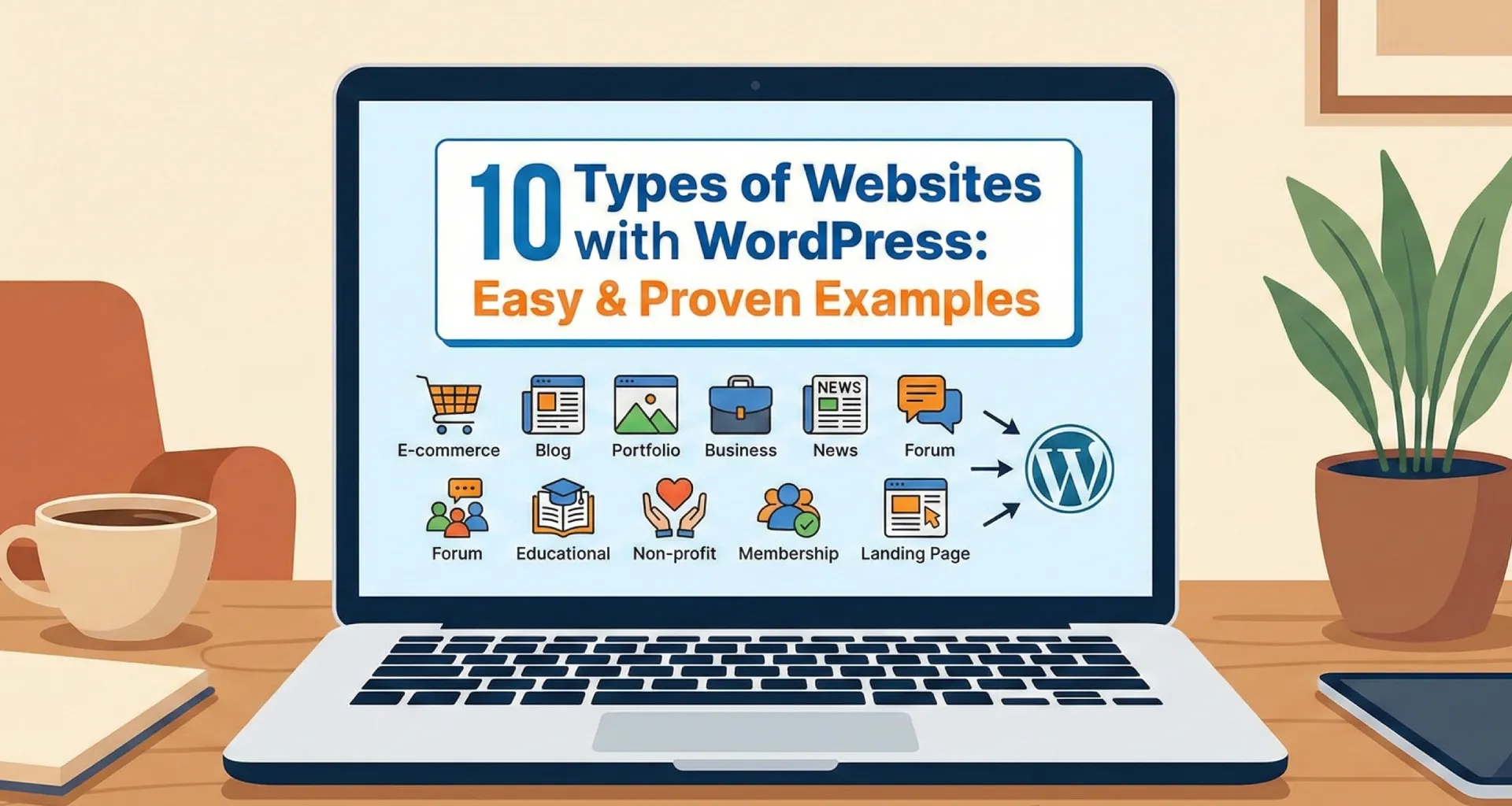
WordPress is undeniably the giant of the web. As of today, it powers over 43% of all websites on the internet, making it the most popular Content Management System (CMS) in the world.
While it started in 2003 as a simple platform for bloggers, WordPress has evolved into a robust, flexible powerhouse capable of building virtually any digital experience. Whether you are a complete beginner or a seasoned developer, WordPress provides the architecture to launch scalable websites without writing complex code from scratch.
In this guide, we will explore 10 distinct types of websites you can build with WordPress to turn your vision into reality.
1. Blogs and Personal Websites
Despite its evolution, WordPress remains the undisputed king of blogging. It is the go-to choice for writers, thought leaders, and hobbyists who want to share their voice.
- Why it works: You have granular control over your content. Unlike social media platforms, you own your data.
- Key Tools: You can choose from thousands of themes tailored for readability and personal branding. Plugins like Yoast SEO help optimize your articles to rank higher on Google, ensuring your voice reaches the right audience.
2. Business Websites
A professional website is the digital storefront for any modern company. WordPress allows businesses—from small startups to large enterprises—to establish a sleek, trustworthy online presence.
- Features: You can easily integrate contact forms, service pages, team bios, and client testimonials.
- SEO Advantage: WordPress is inherently SEO-friendly, making it easier for potential customers to find your local or global business via search engines.
3. eCommerce Stores
Want to sell online? You don’t need a dedicated (and expensive) e-commerce platform. With the WooCommerce plugin, WordPress transforms into a fully functional online store.
- What you can sell: Physical goods, digital downloads, subscriptions, and services.
- Functionality: It handles everything from product inventory and shipping calculations to secure payments via gateways like Stripe and PayPal.
4. Portfolio Websites
For creatives—photographers, designers, architects, and artists—a portfolio site is non-negotiable. WordPress offers stunning, image-centric themes designed to showcase your best work.
- Highlight: Features like masonry grids, sliders, and built-in lightboxes allow clients to browse your projects seamlessly.
- Benefit: A self-hosted portfolio makes you look more professional than using a third-party platform like Behance or Instagram alone.
5. Educational Websites (LMS)
The e-learning industry is booming. WordPress is an excellent foundation for a Learning Management System (LMS), allowing you to sell courses and train students.
- Key Plugins: Tools like LearnDash or LifterLMS allow you to create curriculums, quizzes, and certificates.
- Usage: Perfect for independent coaches, schools, or organizations looking to internalize employee training.
6. Membership Websites
If you have premium content, a membership site allows you to lock it behind a paywall. This is a fantastic model for generating recurring revenue.
- How it works: Using plugins like MemberPress, you can restrict access to specific pages, posts, or forums based on a user’s subscription level (e.g., Bronze, Silver, Gold).
- Content: ideal for exclusive newsletters, video libraries, or private communities.
7. Nonprofit and Charity Websites
Nonprofits need a digital hub to tell their story and rally support. WordPress is cost-effective and flexible, making it ideal for organizations operating on a budget.
- Fundraising: Plugins like GiveWP allow you to accept one-time or recurring donations directly on your site, complete with tax receipts.
- Impact: You can easily add event calendars for fundraisers and blog sections to share success stories and updates with donors.
8. News and Magazine Websites
Major publications like TechCrunch and The New Yorker utilize WordPress because of its superior content management workflow.
- Structure: Magazine themes organize vast amounts of content into categories, featured sliders, and “latest news” tickers.
- Monetization: It supports ad networks and sponsored content seamlessly, helping publishers generate revenue from their traffic.
9. Community and Forum Websites
Building a tribe? WordPress can power robust social networks and discussion boards.
- Tools:
- bbPress: Adds classic forum functionality.
- BuddyPress: Adds social features like user profiles, activity streams, and private messaging.
- Use Case: Great for niche hobby groups, customer support forums, or internal company intranets.
10. Booking and Appointment Websites
Service-based businesses—like salons, consultants, hotels, and doctors—can automate their scheduling with WordPress.
- Automation: Plugins like Bookly or Amelia let clients view your availability and book appointments 24/7.
- Efficiency: Automated email notifications and deposit payments reduce no-shows and administrative headaches.
Frequently Asked Questions
Do I need to know how to code to build a website with WordPress?
No. WordPress is designed for everyone. With thousands of drag-and-drop page builders and pre-made themes, you can build a professional website without writing a single line of code.
Can I use WordPress for a large eCommerce store?
Yes. Using the WooCommerce plugin, WordPress can scale to handle thousands of products, manage inventory, and process secure payments effectively.
Is WordPress free to use?
The WordPress software itself is open-source and free. However, you will need to pay for a domain name and web hosting to get your site live on the internet.
Can I switch my website type later?
Absolutely. One of WordPress’s biggest strengths is flexibility. You can start with a simple blog and later add an online store or membership area by installing the relevant plugins.
Conclusion
WordPress is far more than a simple blogging tool; it is a limitless framework for digital innovation. Whether you are looking to launch a global eCommerce brand, a local nonprofit site, or a personal portfolio, this platform has the ecosystem to support your growth.
If you have an idea, there is a good chance WordPress is the right home for it.
Ready to build your dream site?
If you need professional assistance with WordPress website development, I am here to help you navigate the technical details so you can focus on your business.
👉 Let’s connect: Email me directly at hello@nikkjadav.com or visit my contact page to get started.
